Remote Monitoring for Ice Cream Vending Machines: Data, Alerts and On-Site Tasks
Check what remote monitoring on an ice cream vending machine should show, how alerts guide site visits, and what to test for permissions and outages.
Remote monitoring of an ice cream vending machine earns its place when it helps a local team settle three things before anyone leaves the depot: which machine needs a visit, what to bring, and what to check on arrival. A list of feature names will not tell you whether a back office can do that. A demonstration built around your own sites, staff roles and network conditions will.
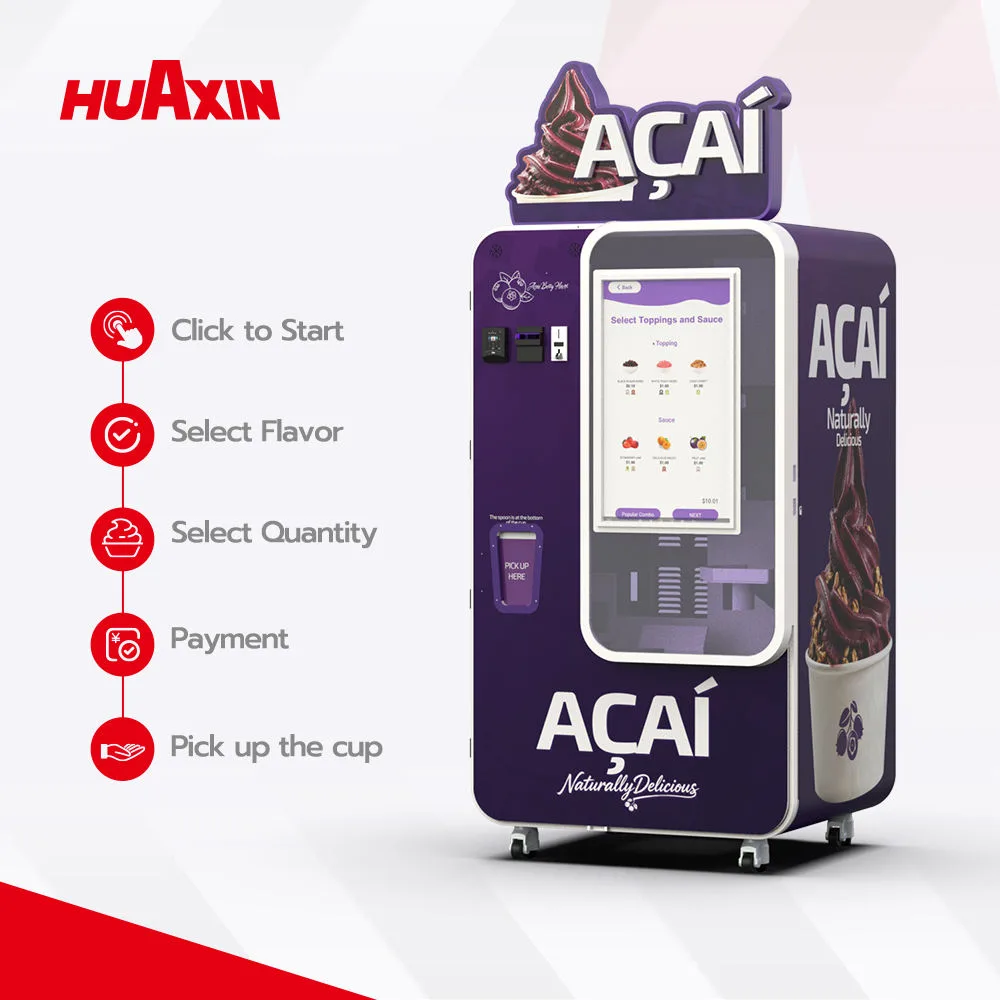
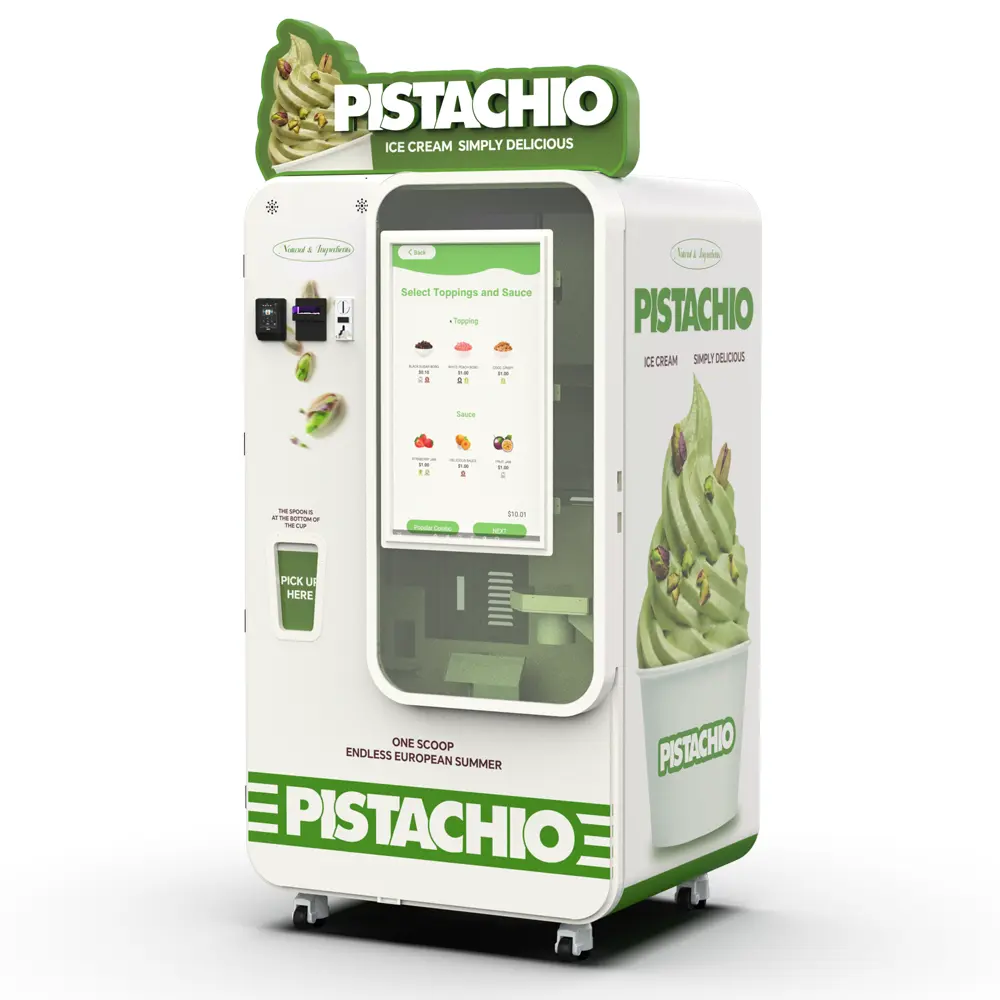
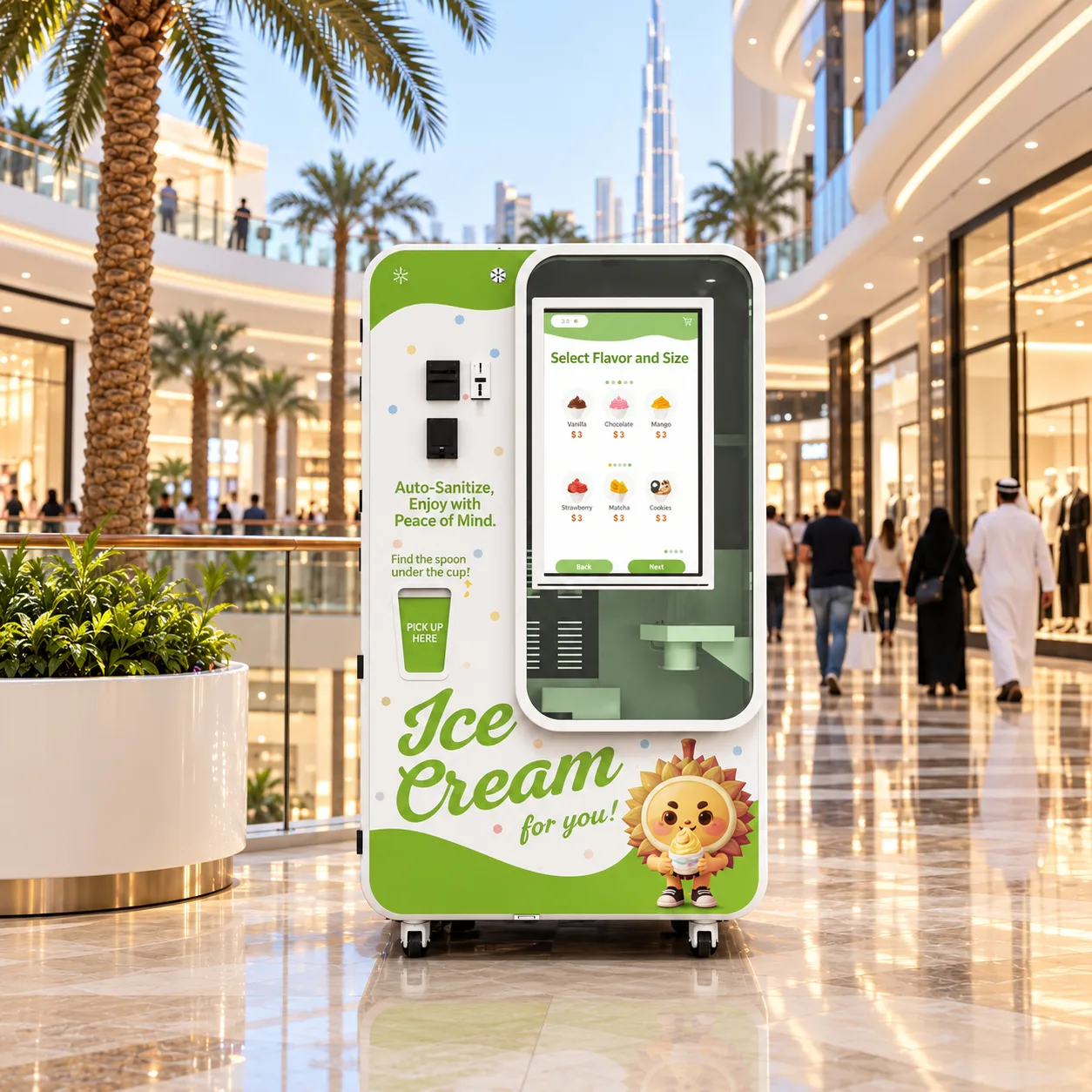
On network-enabled Huaxin B Series machines, the Master OS back office shows operating status and selected business data, sends status and fault alerts, and lets authorised users manage selected settings and basic operations. Each of these depends on a working connection, account permissions and the software configuration supplied. An alert helps the team find a problem earlier. It does not repair the problem, and restocking, cleaning and physical service remain on-site work.
This guide is written for operators with several locations and for the service teams that support them. It covers the information worth inspecting, how sales changes and alerts translate into visits, where remote control stops, and what to test for network outages before you approve a configuration.
Model scope matters. The descriptions below apply to B Series configurations (B83, B83 Max, B84, B85, B86 and B86 Max) with a network connection. Countertop models are set up differently: Easy7 needs its smart integration module and a connection for remote monitoring, while connected Power7 units report status, ingredient and sales information through an app. Review a countertop model's data and controls in its own demonstration instead of assuming they match the B Series back office.
1 Decide which information your field team actually needs
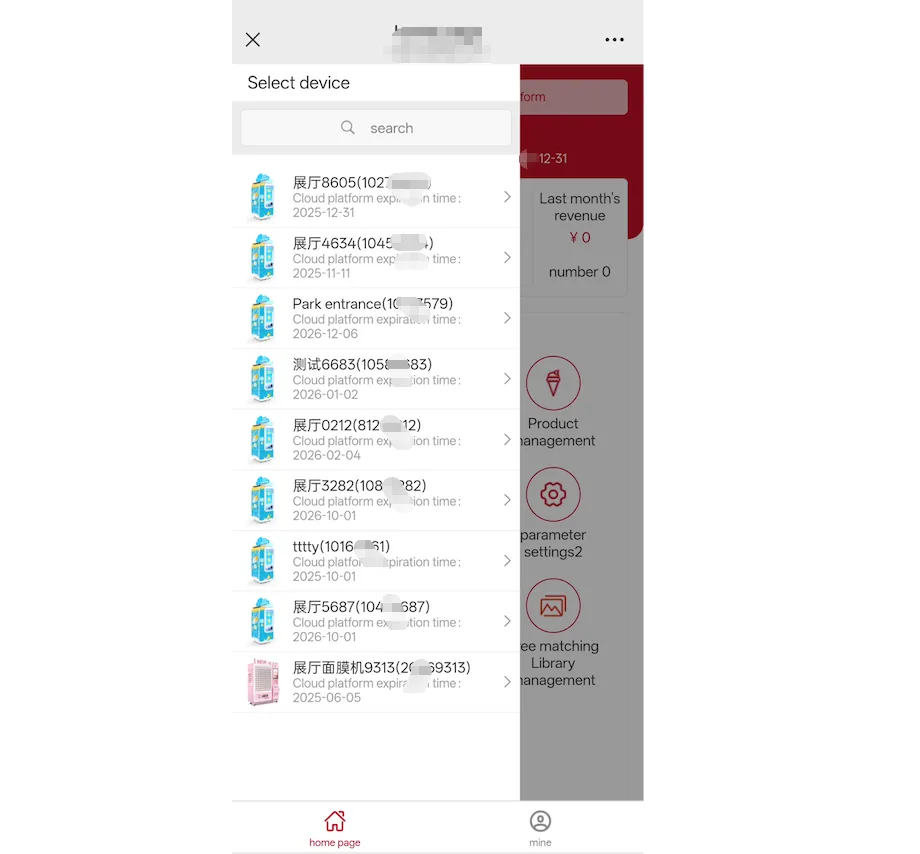
Back-office demonstrations often open on a dashboard of totals and charts. A field team works from something narrower: information about one machine that is recent enough to plan today's route. Ask the demonstrator to open a single machine, then the multi-machine view, and go through four groups of information.
What to check in a back-office demonstration
Information | What to confirm in the demonstration | Why the field team needs it |
Orders and sales | Each order with its time, product and payment result; totals by machine, day and hour; how cancelled, timed-out or refunded orders appear | Separates a quiet site from a stopped one and supports supply estimates and payment checks |
Online status | How an offline machine is shown; whether the last connection time is visible; how long a lost connection takes to appear | A machine with no sales and no alerts may simply be unreachable |
Supplies | Which supplies the system reports (base mix, cups, sauces, toppings) and whether it shows a level, a low warning or only an out-of-stock state | Decides what goes on the restock trolley and how soon |
Faults and alerts | The alert list, its wording and history; who receives notifications and how; whether an alert clears after the cause is fixed | Tells the technician what happened before arrival and confirms recovery afterwards |
Huaxin's remote control system page lists real-time status, cup and ingredient shortage alerts, fault alerts and sales records among the Master OS functions. The exact data fields depend on the system version, so assess the screens of the version that will ship with your machines rather than a brochure or an older video.
Ask to see at least one order that did not end as a normal sale, such as a cancelled payment or an order that timed out. Completed sales are easy to display. The way exceptions are recorded decides whether the data can support refund decisions and end-of-day reconciliation.
2 Use sales changes and alerts to plan restocking and site checks
Sales data and alerts are most useful when they are read together. Falling orders with no alert mean something different from falling orders after a low-cup warning, and both differ from a machine that has gone quiet because it lost its connection.
Compare like with like. Weekday lunchtime at an office lobby should be compared with earlier weekday lunchtimes at the same machine, not with a portfolio-wide daily average. Hourly order counts per machine make that comparison possible. If the back office only gives daily totals, the field team will usually hear about a problem a day late.
The table shows one way to turn these patterns into a first action. It illustrates a decision method; which alerts exist and when they fire must be confirmed on the software version you buy.
Illustrative decision rules for a multi-site operator
Pattern in the back office | Check first | First action |
Orders normal, low-cup or low-mix alert | Consumption running ahead of the visit plan | Bring the restock forward and take the flagged supply plus anything due soon |
Orders drop during trading hours, machine online, no alert | Payment results in the order log, the screen, venue access, a fault the system does not report | Read the recent orders and call the venue contact before dispatching |
Machine offline after normal trading | Site power, network or an unplanned venue closure | Ask the venue whether the site is open and powered; visit if it stays offline |
Fault alert and orders stopped | The alert history and any photos the venue can send | Send a technician with the likely parts and the service procedure |
Orders normal, no alerts, cleaning due | Nothing in the data shows hygiene condition | Keep the scheduled cleaning visit |
A worked example
Hypothetical scenario. An operator runs six machines in one city. At 15:00 on a Tuesday, the machine at a mall entrance shows 5 completed orders since opening, against an average of about 30 by the same hour on the previous four Tuesdays. The machine is online and there is no alert. Before sending anyone, the operations lead opens the order log and sees that the last few attempts stopped at the payment step. That points to the payment path, not the freezing system or the supplies. A call to the venue confirms that the card reader display is blank, so the technician goes out with the payment terminal checklist and the provider's support contact, and the planned restock keeps its usual slot.
Estimating supplies between alerts
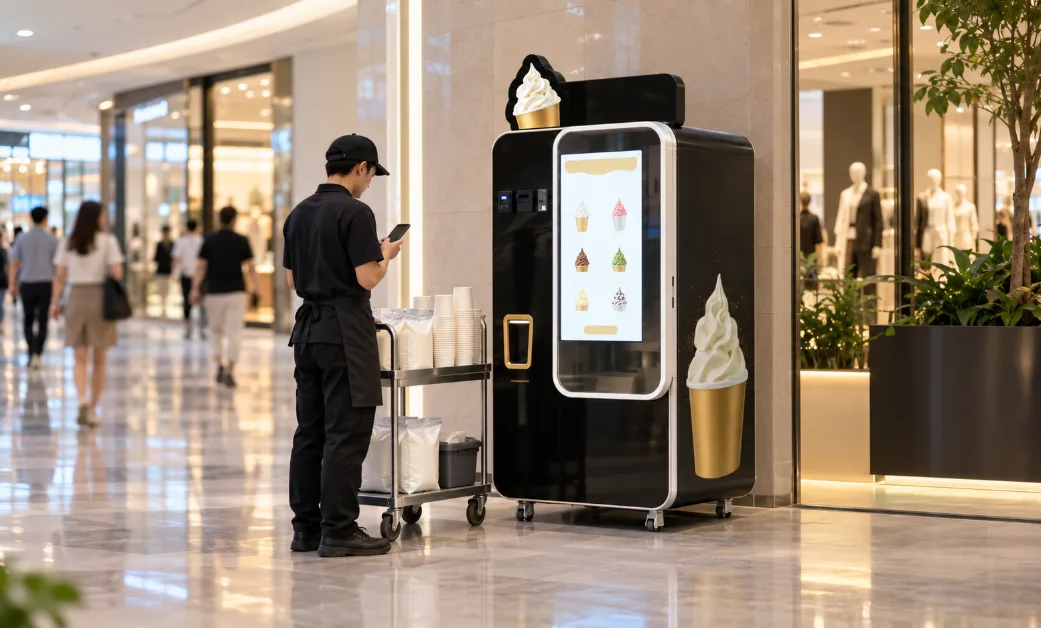
Order counts also help with supply planning. B83 Max, B84, B85, B86 and B86 Max machines store approximately 160 cups, and B83 approximately 80, depending on cup type and configuration. Subtract the orders completed since the last refill and you have a rough count of cups left before a shortage alert. Interrupted orders and test portions can use cups without a recorded sale, so correct the estimate at each visit. Base mix works the same way once you record the quantity loaded and the orders served between refills. Consumption per order depends on the recipe and portion settings, so build that figure from your own records.
Grouping machines into service routes, and deciding when site results justify more machines, is covered in our guide to scaling an ice cream vending business.
3 Separate what you can see, what you can change, who can do it and what needs a visit
A demonstration can blur four different things. Keep them apart when you evaluate the system.
Status you can view
Viewing is the broadest layer: status, orders, alerts and history. Confirm the timing you will rely on, for example how soon a completed order appears in the back office, and whether the mobile view shows the same alert detail as the desktop view.
Settings you can change remotely
Selected machine settings and basic operations can be managed remotely on network-enabled B Series machines. Ask the demonstrator to change a setting you will use in practice, such as a price or a menu item, and watch the change reach the machine screen. Ask how long it takes and what happens when the command is sent to a machine that is offline. Revenue-sharing and coupon functions belong to software configurations that include those modules, so confirm them in writing if your venue agreements depend on them.
Who can do what
Permission planning is easier with one principle in mind. Security guidance calls it least privilege: each user receives only the access needed for their assigned tasks [2]. In a multi-site operation that often looks like this:
Owner or finance: sales and payment records for all machines; rarely needs to send machine commands.
Operations lead: status, alerts and sales by machine, plus the settings the business changes regularly.
Field technician: alerts, status and service history for assigned machines; usually no need for revenue figures or price changes.
Venue partner: sales for its own site, where the agreement provides for it, and nothing about other sites.
Then check whether the back office can support that split. Can each person have a separate login? Can access be limited by role and by machine or region? Is there a record of who changed a price or sent a command? How is access removed when someone leaves? If your process needs a role or data field the current version does not offer, Huaxin can evaluate an adaptation based on the existing platform and your project requirements. Treat that as a project assessment, not a standard feature.
Work that still needs a person at the machine
An alert can tell the team that something has stopped. Someone still has to go to the machine, find the cause, put it right, run a test order and check that the alert has cleared. Plan people and visit time for:
Loading base mix, cups, sauces and toppings, and checking product dates and storage conditions.
Cleaning. B Series one-touch cleaning runs a preset cleaning program, and the operator still follows the required manual hygiene and maintenance procedure.
Clearing cup, delivery or pickup-area problems and inspecting the surfaces customers touch.
Replacing parts and servicing payment hardware such as card readers or cash modules.
Checking the site itself: power supply, screen visibility, signage and venue access.
Before you sign, decide who diagnoses a fault, who supplies parts and who carries out the repair in each market. Our after-sales support guide sets out how to prepare that handover.
4 Test network outages and order reconciliation before handover
Without a connection, Master OS cannot provide real-time remote functions. For an operator, the practical question is what happens at the machine and in the records during and after an outage. Part of the answer depends on the software version and the payment setup, so treat the points below as demonstration requests rather than assumptions.
Check the site connection before opening
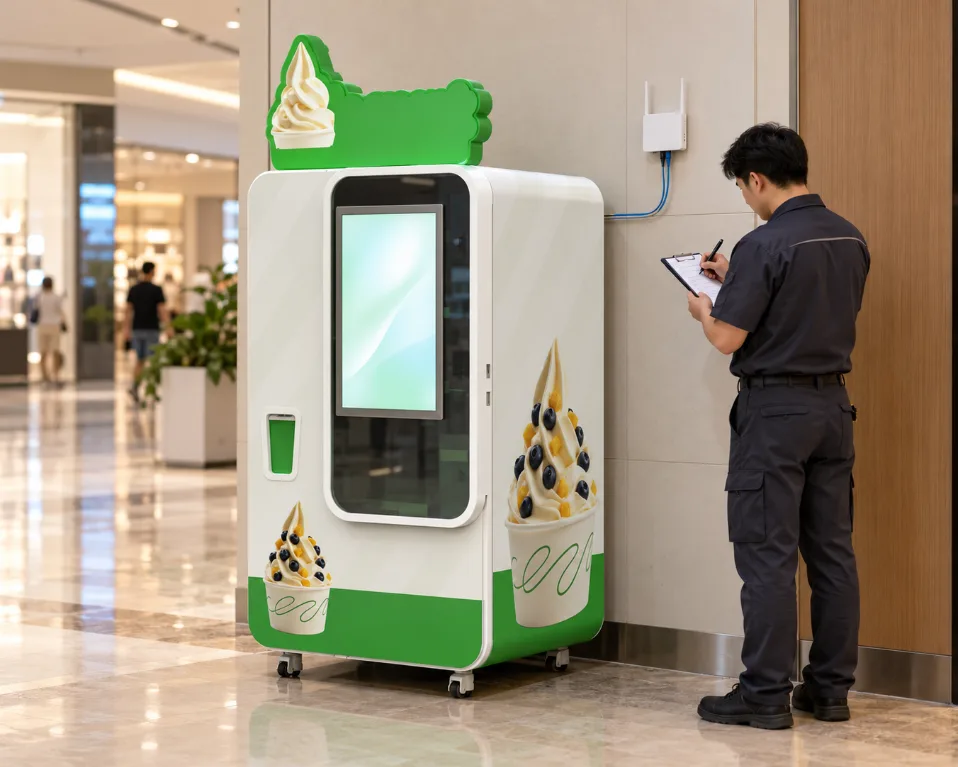
Huaxin's customer records show why this deserves its own step. In a German mall project in 2026, the operator was still arranging the mall's network connection after the machine had been delivered and unpacked. In an Italian project earlier that year, the customer reported that the machine was running well while remote management had problems. Accept the machine and the remote layer as two separate items at handover.
The communication module depends on the configuration. Confirm the module type, its compatibility with the networks at your sites, and who provides the SIM card or Wi-Fi access. Venue Wi-Fi that requires a login page, or a basement site with weak mobile signal, can leave a machine offline even when it is powered and working. Network generations also change. Ofcom states that UK 3G networks have been switched off and that 2G will be switched off by 2033 at the latest, and it names payment terminals among the devices that may still use 2G [1]. If the payment terminal has its own connection, test it separately from the machine's.
Run a five-step outage test
With the machine online, complete a reference order and find it in the back office.
Disconnect the network the way a real outage would happen, for example by switching off the site router, while the machine stays powered. Note how long the back office takes to show the machine as offline and whether anyone is notified.
Attempt a purchase with each payment method you plan to offer. Record the screen message, whether payment is accepted and whether production starts. Card and mobile payments depend on the terminal's own connection and the provider's rules, so ask the provider whether any offline acceptance is enabled and who carries the risk if it is.
Send a remote setting change while the machine is offline. Check whether it waits and applies later, fails with a message, or disappears.
Restore the connection. Check whether orders made during the outage appear with their original times and whether the back-office totals match the machine's own records.
Reconcile orders after the connection returns
For the outage period, compare three records: the back-office order log, the payment provider's transaction or settlement report, and the cash count where cash modules are fitted. Each type of mismatch points to a different follow-up.
Payment recorded, no completed order: a possible charged-but-not-delivered case. Handle it under your refund procedure.
Order recorded, no matching card or mobile payment: check whether it was a cash sale or an upload that arrived late.
Orders missing from the back office: ask whether the machine keeps local records and how they are recovered.
Questions to settle in writing
Which software version ships with the machines, and how are updates delivered?
Can order, alert and setting-change history be exported, in which format, and by machine and date range?
How long does the back office keep history?
Is there a software or service fee, is it charged per machine or per account, and who pays for mobile data?
Which alerts are available on your configuration, and which users can receive them?
What remote diagnosis support does Huaxin's service team provide, and in which time zones?
Where an answer is not yet available, record it as an open acceptance item instead of assuming it.
Book a Master OS demonstration for your sites
Send Huaxin the number of machines you plan to run, the roles that need access (for example owner, operations lead, technicians and venue partners) and the network available at each site, such as venue Wi-Fi, mobile signal or a wired connection. Huaxin can then arrange a back-office demonstration on a network-enabled B Series machine that includes a live order, an alert and the outage test above. More detail on the system is on the remote control system page.
References / Sources
1. Ofcom. 3G switch-off. Published 6 March 2024, last updated 10 August 2026.
2. NIST Computer Security Resource Center. Glossary: least privilege (definitions from NIST SP 800-53 Rev. 5 and CNSSI 4009-2022). https://csrc.nist.gov/glossary/term/least_privilege

NEXT ARTICLE